

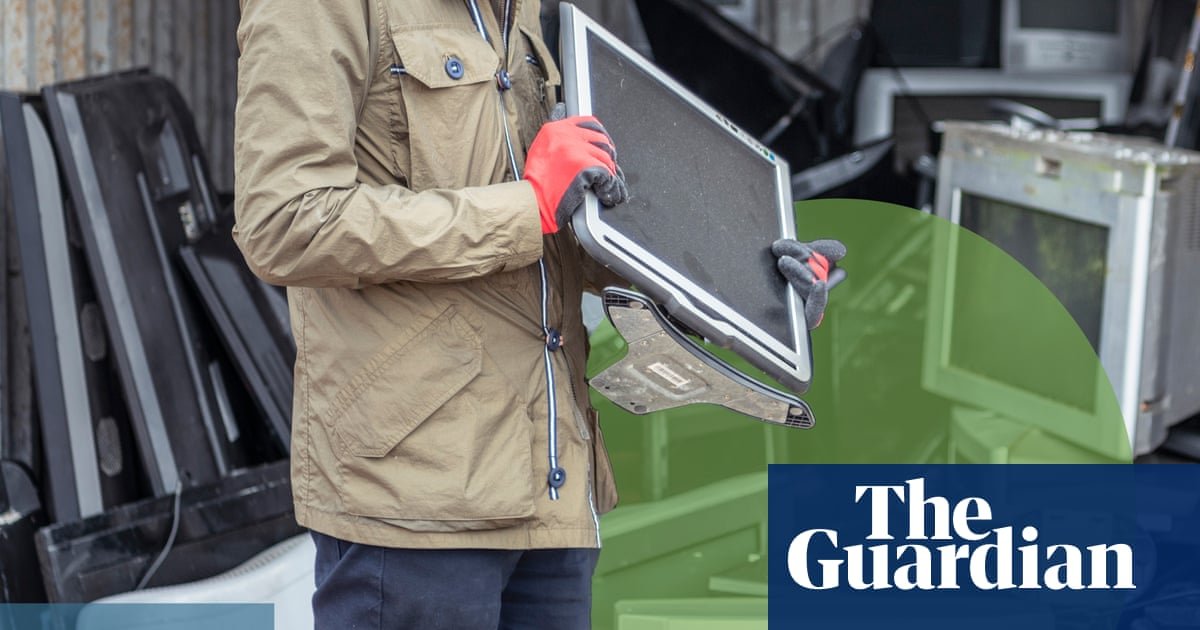
It takes time, money and fossil fuels to make the electronics that underpin modern life. From the mining of rare earths and metals to processing, manufacture and shipping, the engineering and logistical innovations that make it possible to buy a new phone every year produce incredible amounts of waste.
According to the latest Global E-Waste Monitor, the world is generating 62m tonnes of e-waste annually and is on track to reach 82m tonnes by 2030. Australia alone produces 580,000 tonnes yearly. Between planned obsolescence, advancing technology and genuine malfunctions, this figure is expected to rise.
An estimated 23m mobile phones sit idle in drawers around Australia, including about 13m that are unusable. The average Australian generates about 22kg of e-waste each year, almost three times the global average, according to a recent Productivity Commission inquiry.
“It’s the fastest growing waste stream but it’s also the most valuable,” says Anne Stonier, from the Australia New Zealand Recycling Platform (ANZRP). “There’s a lot of hard plastic as well, with electronics. By recycling it, you’re making sure it is being properly managed. You’re helping create a more circular economy.”
Where is best to dispose of old phones? How do you keep sensitive data safe? Here’s what to consider when recycling your old devices.
Look around for local recycling programs
Recycling e-waste is a little more complicated than simply throwing it into the yellow bin. The first step is to research options available near you. Local councils, for instance, have designated e-waste drop off points and recycling programs but the locations can vary. Disposing of e-waste in landfill is banned in Victoria, South Australia and Western Australia.
Likewise, several large retailers host recycling programs. Officeworks, for example, collects batteries, computer accessories, printer cartridges and mobile phones at its stores and runs drop-off days for most other electronic items. Bunnings stores maintain collection bins for batteries and larger electronic items such as TVs, screens, computers and printers. MobileMuster, a program run by the Australian telecommunications industry, collects mobile phones, speakers, smartwatches and tracking tags, modems, routers, landline phones and old TV streaming devices.
Many device manufacturers have set up stewardship programs to allow customers to trade in old phones and laptops in return for a discount or credit on their next purchase. If you’re thinking about an upgrade, it is worth checking what may be available to you.
There are also charities that accept donations of digital devices, such as DV Safe Phone and the Reconnect Project, which repairs used devices before providing them to people in need.
Disposing of devices that store personal information
Whether it’s a smartwatch tracking your regular jogging route, a tablet once used for business, or a personal phone full of photos, devices can hold intimate and sensitive information about our daily lives and activities.
Before disposing of electronic items, backup or transfer any files you want to keep to another device or storage device, such as an external hard drive, cloud service, USB or NAS system, and remove any physical markings or stickers that may associate the device with you.
What happens next depends on the device. For most smart devices, tablets and phones, it is enough to perform a factory reset. For computers, laptops, hard drives, USB sticks and other storage devices, reformatting the drive and performing a factory reset will also suffice. Fax machines, printers and scanners should also undergo a factory reset, as they can still hold copies of recently printed documents.
Finally, you should also take steps to unpair the old device with any remaining computers or devices.
If your device is so old that it won’t turn on and is not accessible when connected to a computer with a cable, there’s not much you can do. Make sure to remove any external or detachable memory storage, such as memory cards in old phones, before recycling.
What if my device holds very sensitive material?
Physical destruction, such as drilling through a hard drive, is unlikely to work and defeats the purpose of recycling in the first place. It can also be dangerous, especially if you are attempting to destroy a device with a battery that cannot be removed and cause a rupture that leads to fire or a health hazard.
If your device contains very sensitive information that you want to be sure is destroyed, consider reformatting the device, using data sanitisation software and encrypting the hard drive. Secure data destruction services are also available. The nature of these services vary, however, as does price. Some companies may offer a free data destruction service on donated hard drives so they can cannibalise them for parts to perform repairs for their clients. Other services are geared more towards large corporates.
Stonier says some specialist recyclers also offer data destruction services. “If there’s any concern about it getting into someone else’s hands, it’s better to just wipe it,” she says. “You just don’t know otherwise. It’s better to be safe than sorry.”
What happens if I don’t do any of this?
Some threats are more significant than others. A hard drive that contains nothing but family photos is lower risk than one that holds detailed financial information. For most people, it is unlikely they will ever be specifically targeted unless they have a reason or are already vulnerable in some way.
Much criminal activity tends to be opportunistic, meaning that, for most people, even taking a few basic steps can help stop a headache or a fright later.
